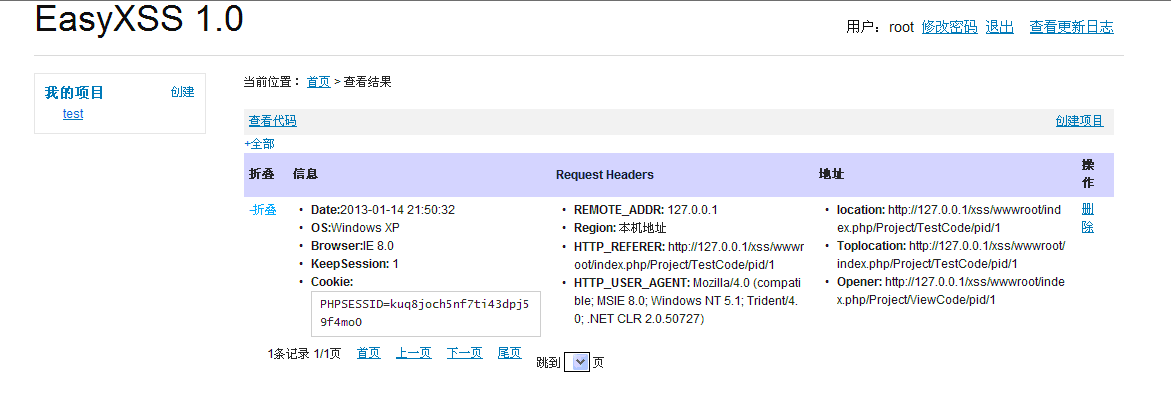
应基友要求写一遍安装EasyXSS 1.0的文章,就在windows临时搭建了一下XSS环境,使用的是XAMPP搭建的,比较方便。
XAMPP截图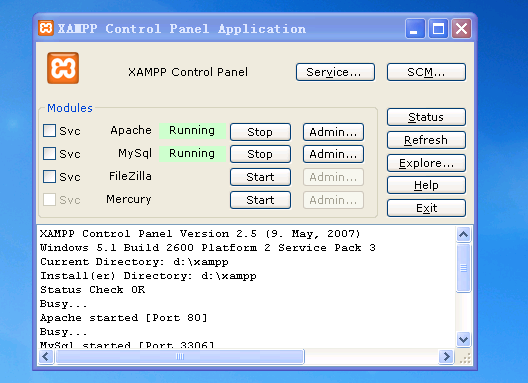
1.apache 配置要点
DocumentRoot “D:/xampp/htdocs”
2.解压EASYXSS为xss到web目录下
修改配置文件D:xampphtdocsxssAppConfconfig.php
 'User',
        'URL_MODEL'          => '1',
        'SESSION_AUTO_START' => true,
        'DB_DSN' => 'mysql://root:@127.0.0.1:3306/xss_tw',
        'DB_PREFIX' => 'xss_',
        'MAIL_ADDRESS'=>'info@xss.tw',
        'MAIL_SMTP'=>'smtp.gmail.com',
        'MAIL_LOGINNAME'=>'info@xss.tw',
        'MAIL_PASSWORD'=>'',
        'MAIL_SENDER'=>'info',
        'MAIL_PORT'=>'465',
        'TMPL_PARSE_STRING' =>array(
            '__SITENAME__' =>'EasyXSS 1.0',
            '__SITETITLE__'=>'EasyXSS',
            ),
    );
?>
root为用户名,密码为空
3.创建数据库
mysql> show databases;
+--------------------+
| Database           |
+--------------------+
| information_schema |
| cdcol              |
| mysql              |
| performance_schema |
| phpmyadmin         |
| webauth            |
+--------------------+
6 rows in set (0.00 sec)
mysql> create database xss_tw;
Query OK, 1 row affected (0.00 sec)
mysql> show databases;
+--------------------+
| Database           |
+--------------------+
| information_schema |
| cdcol              |
| mysql              |
| performance_schema |
| phpmyadmin         |
| webauth            |
| xss_tw             |
+--------------------+
7 rows in set (0.00 sec)
D:xamppmysqlbin>mysql.exe -uroot xss_tw -p < data.sql
Enter password:
D:xamppmysqlbin>mysql.exe -uroot -p
Enter password:
Welcome to the MySQL monitor.  Commands end with ; or g.
Your MySQL connection id is 5
Server version: 5.5.8 MySQL Community Server (GPL)
Copyright (c) 2000, 2010, Oracle and/or its affiliates. All rights reserved.
Oracle is a registered trademark of Oracle Corporation and/or its
affiliates. Other names may be trademarks of their respective
owners.
Type 'help;' or 'h' for help. Type 'c' to clear the current input statement.
mysql> use xss_tw
Database changed
mysql> show tables;
+------------------+
| Tables_in_xss_tw |
+------------------+
| xss_ipdata       |
| xss_key          |
| xss_keyemail     |
| xss_project      |
| xss_user         |
| xss_xssresult    |
+------------------+
6 rows in set (0.00 sec)
mysql> select * from xss_key
    -> ;
+-----+-------+------------+-------+------+
| iid | ctime | key        | utime | user |
+-----+-------+------------+-------+------+
|   1 |     0 | 1234567890 |     0 |      |
+-----+-------+------------+-------+------+
1 row in set (0.02 sec)
4.注册用户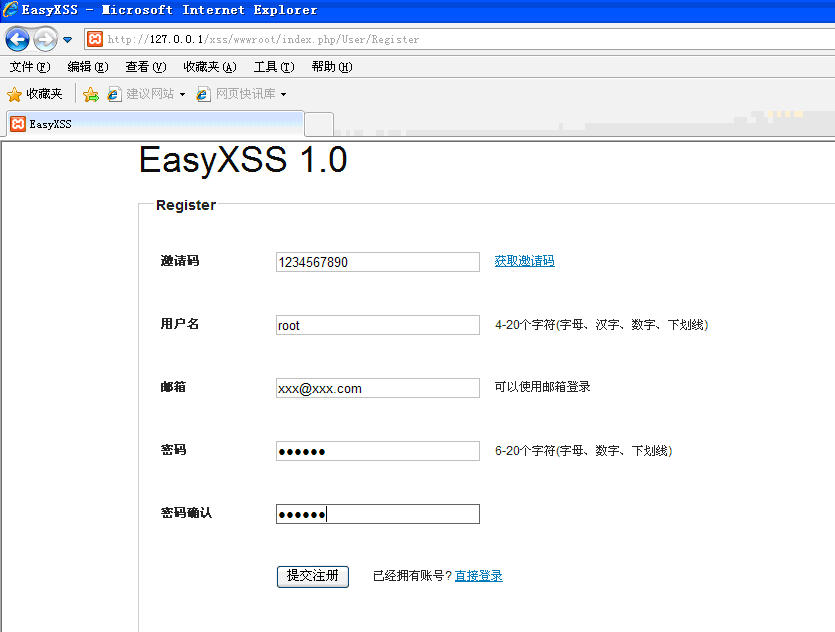
5.登录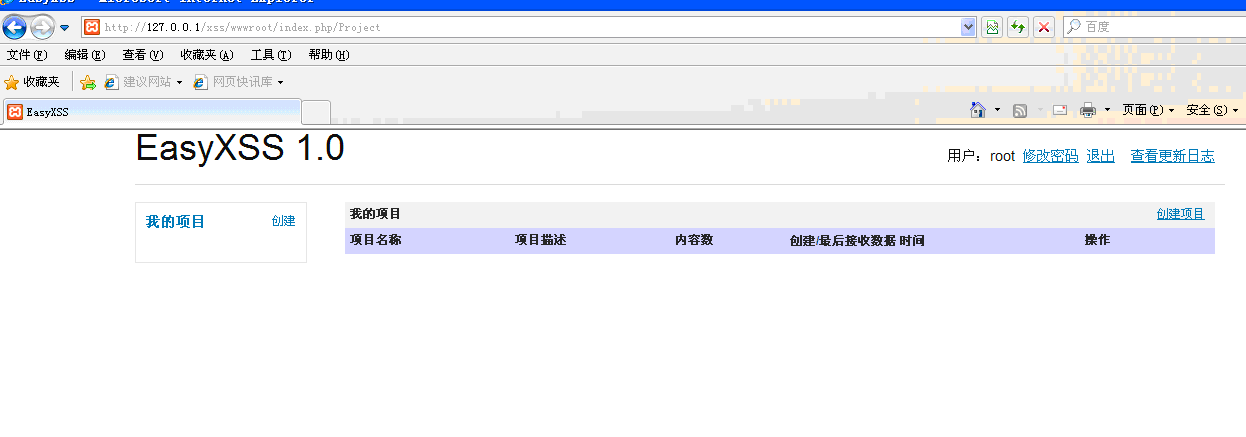
6.测试